
Commercial · Petersburg
Access Control Installation in Petersburg
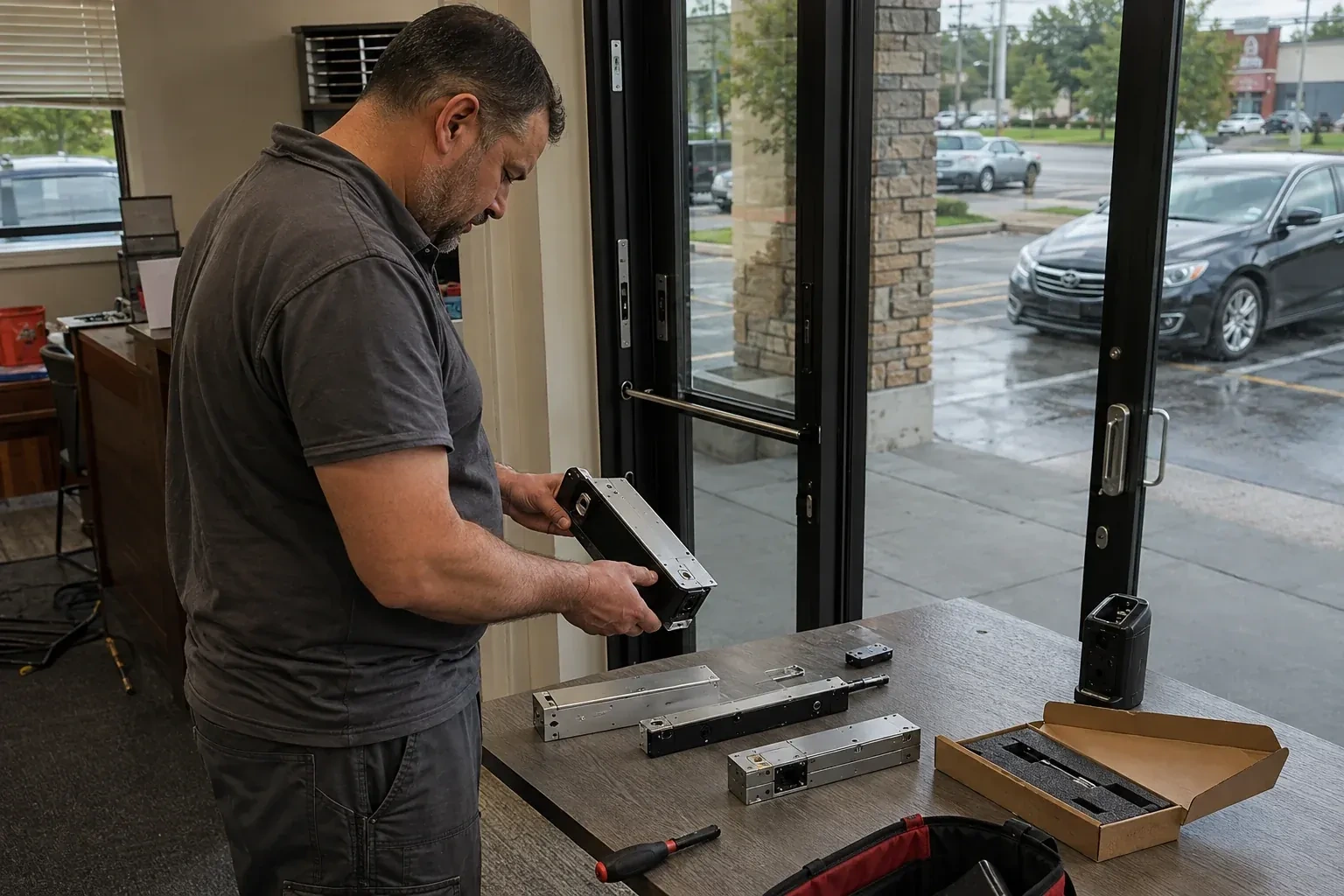
Head office wants a record of who opens the branch and when, tied to an actual name rather than a shared code scrawled on a sticky note taped under the till.
In plain words
The installation is not finished when the last door is wired; it is finished once the business can run the system without the locksmith standing there. That means an administrator account handed over with full control, a walkthrough of adding and revoking credentials, pulling an entry log, and changing a schedule for a holiday or an event. Beyond that point, whether the installer keeps any support or maintenance access is a setting the business chooses at handover rather than something assumed either way, and every routine change to who can enter is the business's own decision.
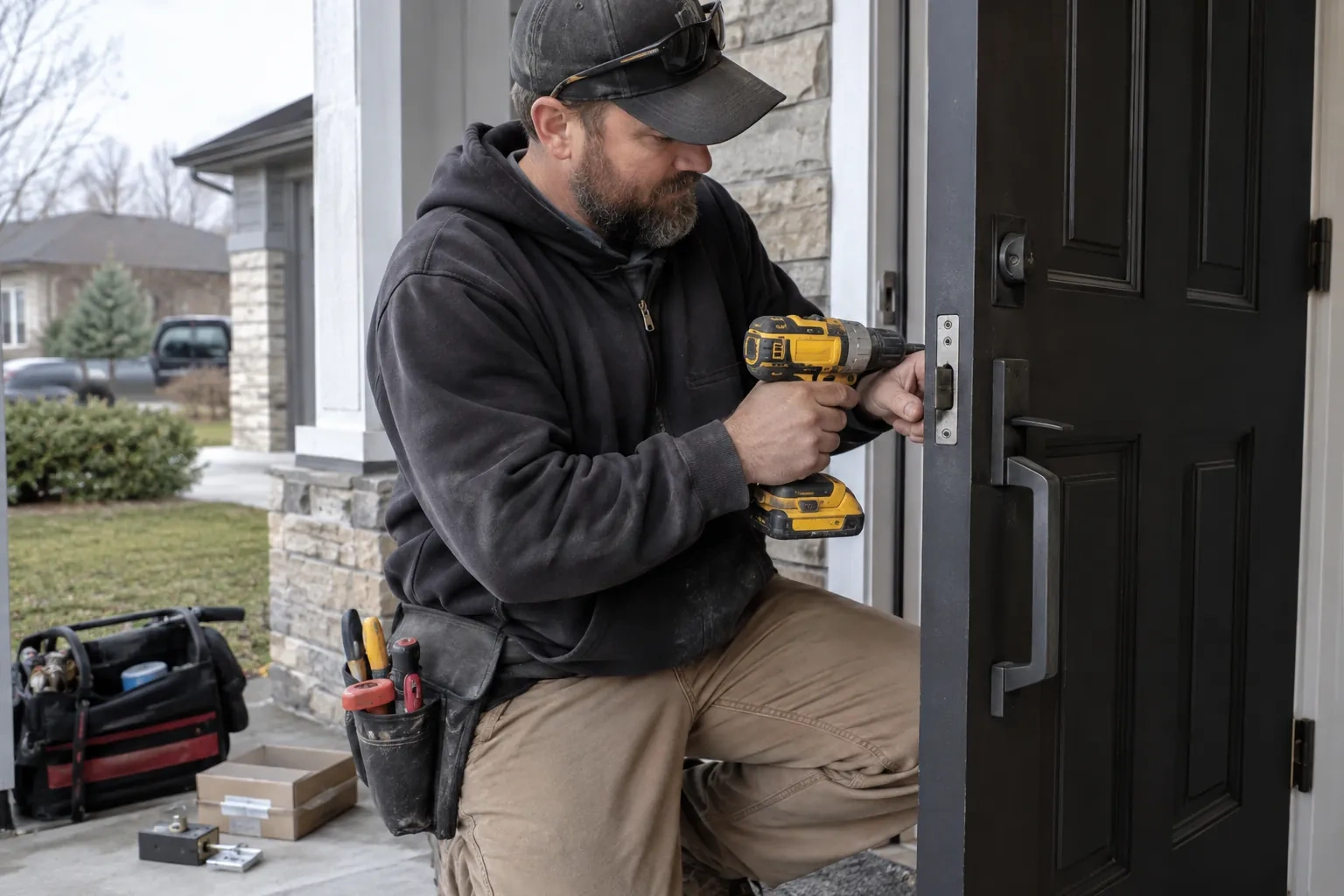
How the visit goesThe keypad on the side door has started sticking on cold mornings, codes get shared instead of reset, and half the staff still remember a code you meant to retire two hires ago.
Access Control Installation
How the visit goes
Working out schedules and who needs which door
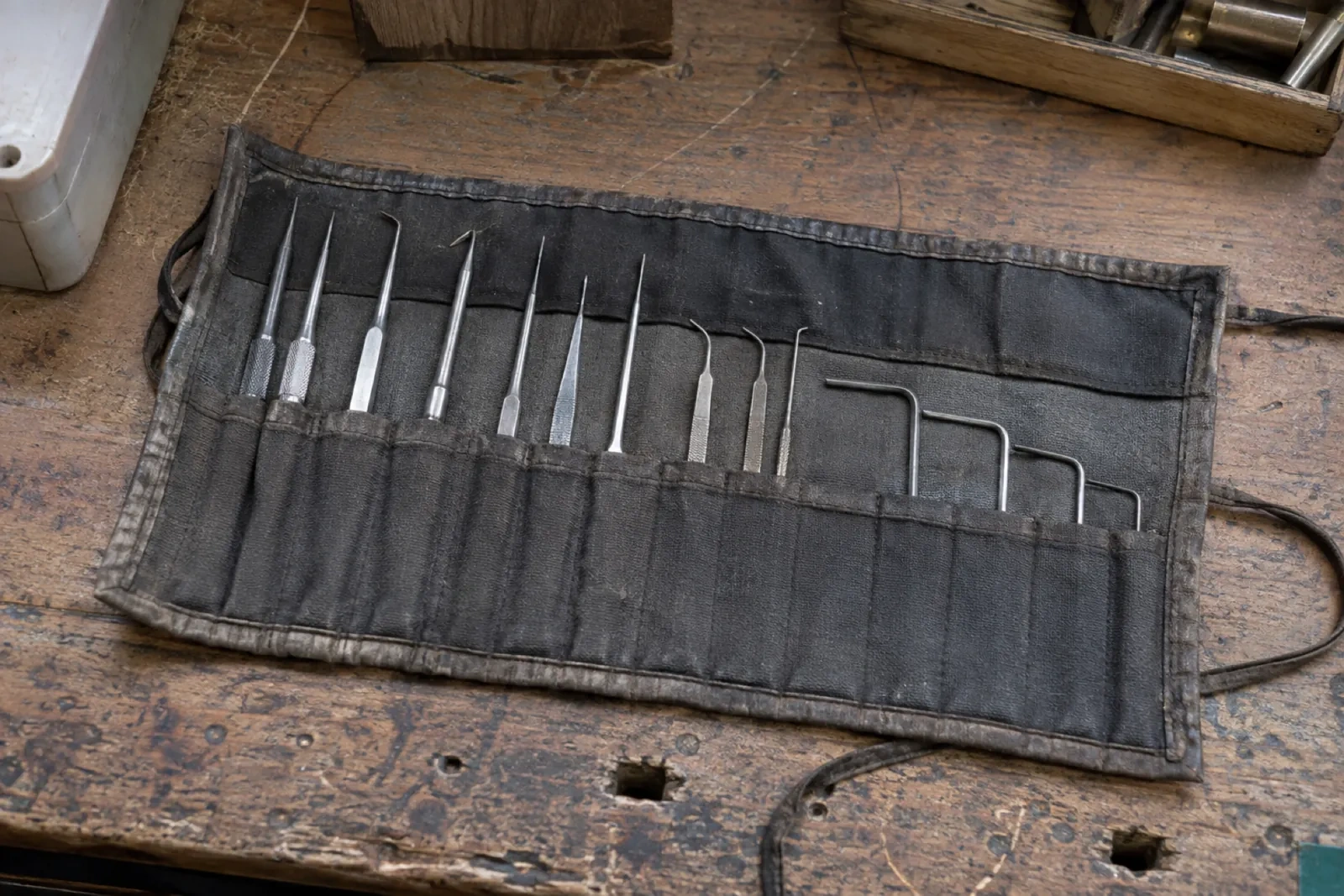
Not every credential should open every door, and not every door should unlock at the same hour, so the locksmith works through a simple list with the business: which roles need which openings, whether a loading dock or a storage room should follow its own hours, and whether a holiday schedule or a temporary contractor credential comes up regularly. This list becomes the access levels and schedules programmed into the controller later, and getting it right at this stage means fewer changes to make once people are already using their cards or codes.
Enrolling cards, fobs and codes
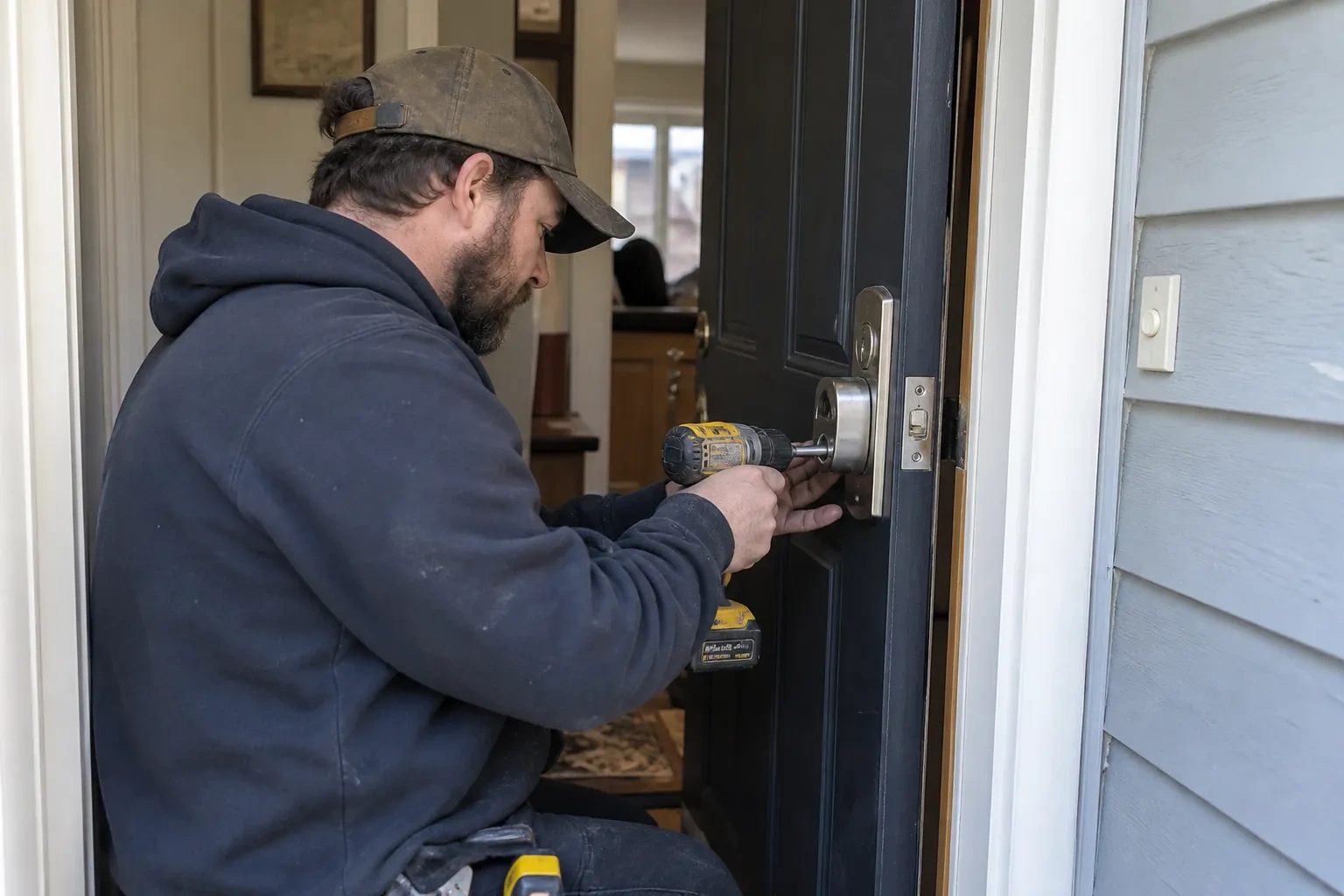
Once schedules and access levels are ready, each credential is enrolled against a name, presented at a reader or entered at an enrolment station, and assigned to the access level matching the person's role. A keypad code is set and confirmed working at the door itself; a card or fob is tested the same way before it is handed over. The locksmith keeps a running list during enrolment so nothing is issued twice and nothing is left unassigned, and hands that list to the administrator as the starting record for the system going forward.
What the system adds to the rest of the building's security
Once the installation settles into daily use, its value tends to show up alongside whatever else the business already runs: an alarm event that lines up with the person who unlocked the door that morning, a camera clip that can be matched to a specific credential instead of just a timestamp, or a plain answer, finally, to who was in the building last weekend. Getting there can mean linking the access system to the alarm panel or the camera platform, which sometimes calls for extra configuration or an integration licence beyond the original installation, but the controller and the log it already keeps are the starting point either way.
Access Control Installation
In the van
Access control panel
Request-to-exit devices
Low-voltage cable
Card and fob readers
Credential cards and fobs
Access Control Installation
What affects the quote
Distance between the doors and the controller
A building where every controlled door sits close to where the controller will be mounted needs less cable and fewer pull points than one with openings spread across several floors or a large footprint.
Coordinating a shared or multi-tenant entrance
A shared lobby or parking entrance in a multi-tenant building needs agreement between the property manager and each tenant on which credentials belong where, and that coordination adds time beyond a single business's own doors.
Whether any door is also a fire exit
An exit route on a magnetic lock brings its own hardware — a request-to-exit device and a fire alarm tie-in — while an electric strike paired with a free-egress lockset can meet the same one-motion exit without those extra components, unlike a purely interior door.
What to have ready
- Is this a single business, or a shared, multi-tenant building?
- Which doors do you want to control with the new system?
- Is there network access near where a controller could be mounted?
Access Control Installation: questions
QuestionsWhat happens to the doors if the power goes out?
Outage behaviour depends on how that opening was built: battery backup can be sized to carry the reader, the lock and the controller through a typical outage, so a brief power loss need not lock anyone out or, on a fire-alarm-tied opening, lock anyone in, but that backup and any mechanical key override are specified per opening rather than assumed for every door. Fail-safe hardware unlocks once power has been out longer than the backup lasts; fail-secure hardware stays locked, and what opens it depends on the hardware chosen.
What credential types are available: cards, codes, fobs, phones?
A proximity card or fob held near a reader, a code typed on a keypad, or a mobile credential read from a phone are all in common use, and a single building can mix them by door or by person. Cards and fobs are simple to issue and switch off individually; a keypad needs no card to lose but a shared code eventually gets passed around; a mobile credential ties entry to a device the person already carries.
Do we still need physical keys after this is installed?
On hardware that supports it, yes: a conventional cylinder sits alongside the electronic reader, cut to work like any other key on the property, though some access-controlled locks are built without one. Where it is fitted, it is meant as a fallback rather than the everyday way in: if a battery dies, a controller faults, or the power stays out longer than the backup lasts, the door still opens by key while the issue is sorted out.
Related services
- Master Key System DesignAfter a busy shift the manager counts the keys coming back in and loses track of who still has one.
- Panic & Exit HardwareThe fire inspector's note is blunt: the banquet hall's second exit still turns on a deadbolt, and the crowd it is rated to hold needs a door that opens under one motion, no key involved.
- Commercial-Grade Lock ReplacementA new tenant moved into the unit next door, and the property manager just found three different cylinders on three doors, none of them cut to the same key.